
Measures due and safety flags
Checked against the app on 24 October 2026
Olive Grove reminds you when a measure is due again, every 4 sessions by default. When a saved measure raises a safety flag, a window shows the flag, a safety plan outline and your crisis resources, and asks you to confirm the action you took.
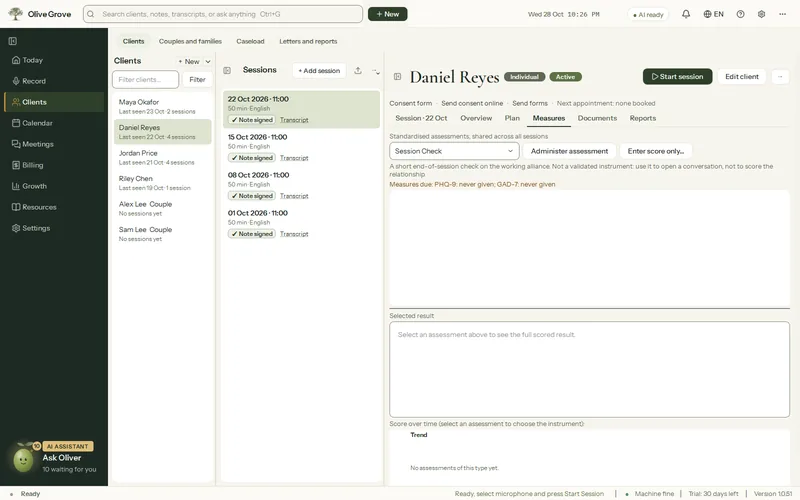
Where: Clients > a client > Measures > Measures due
Measures due
The PHQ-9, GAD-7, PCL-5, ISI and Session Check are prompted again on a set rhythm: on the client’s file, on Today, in the brief before a session, in the bell and in the notification before the appointment. Change the rhythm in Settings > AI > After each session > Prompt to re-administer measures every.
When a measure raises a safety flag
Step 1: A flag is raised by item 9 of the PHQ-9 and by the C-SSRS. The safety review window opens after you save.
Step 2: Read the flag, the safety plan outline and your crisis resources.
Step 3: Take the clinical action you judge right, then tick “I have reviewed this risk and taken appropriate clinical action.”
Was this article helpful?
Related articles
Still need help?
Write to us. We read every message and reply within one business day.