
Couples and families
Checked against the app on 24 October 2026
Connect clients as a couple or family by dragging one onto another. Joint sessions then appear in every member’s file with one shared note, and they share a relationship formulation and plan, while each keeps an individual formulation.
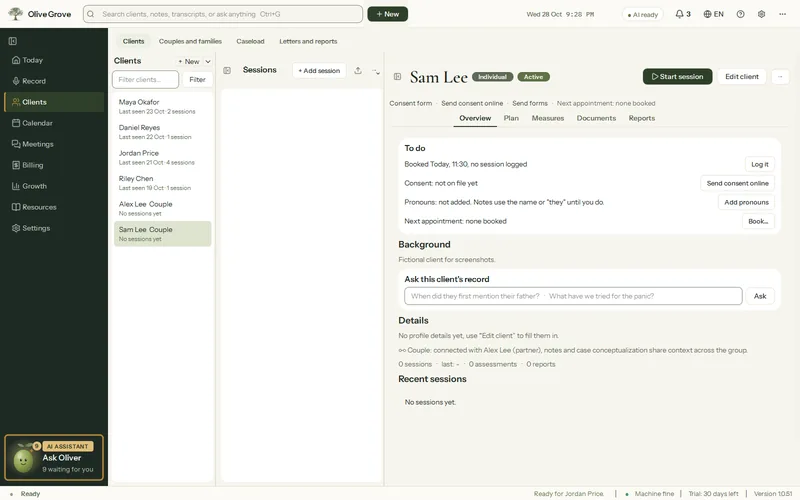
Where: Clients > Couples and families
Step 1: Open Clients > Couples and families.
Step 2: Drag one client onto another, or onto a group’s card, and choose Connect as a couple or Connect as a family. Or right-click a client and choose Connect with….
Step 3: To see them together, press Start joint session on the group’s card, or tick who is present beside In the room on Record.
- Editing or signing a joint note in one file changes it for everyone. A partner’s individual sessions stay in their own file only.
- If only one partner comes, untick the other in In the room: it becomes an individual session for that person.
- After a joint session, Name the speakers puts names on Client 1 and Client 2.
- Couples measures: the CSI-4 and the HITS, each given to each partner separately.
- Separate… keeps joint sessions in both files and copies the shared formulation and goals to each. It can be undone for 10 seconds.
Was this article helpful?
Related articles
Still need help?
Write to us. We read every message and reply within one business day.