
Treatment plans, formulations and playbooks
Checked against the app on 24 October 2026
Each client has a treatment plan of goals and strategies, a formulation updated from each session, and a playbook of interventions ranked for them. Each says which session it was last updated after, with Update now.
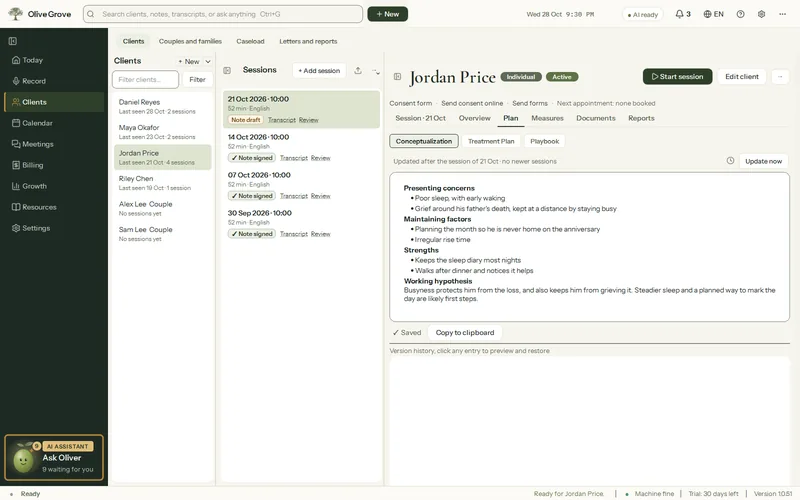
Where: Clients > a client > Plan
Treatment plan
Step 1: Open the client, then Plan > Treatment Plan.
Step 2: Press Add goal for each goal, with priority, target date and status (Active, Achieved, On hold, Discontinued).
Step 3: Press Add strategy under a goal, tagged by approach.
Step 4: Or press Suggest goals (AI): drafted goals appear for you to accept or untick. Nothing is added on its own.
Formulation and playbook
- Conceptualization is updated from each session and every version is kept. Edit it by hand, rebuild it from all sessions, or restore a version.
- Playbook ranks interventions by approach, each with why it fits, steps, wording, cautions and evidence. Pin, hide or annotate cards; pinned cards are kept through rebuilds.
- Keep up to date (Settings > AI > After each session, or the clock beside Update now): after every session, every few sessions, or only when you ask.
- Homework set in a note’s plan is followed up at the next session: “Did they do it?”.
Was this article helpful?
Related articles
Still need help?
Write to us. We read every message and reply within one business day.