
Check and fix your notes in bulk
Checked against the app on 24 October 2026
Check my notes looks through your notes for diagnosis, severity or risk wording that the session’s own transcript or notes never used. Fix flagged drafts in one go, and review signed notes on one screen before you re-sign them.
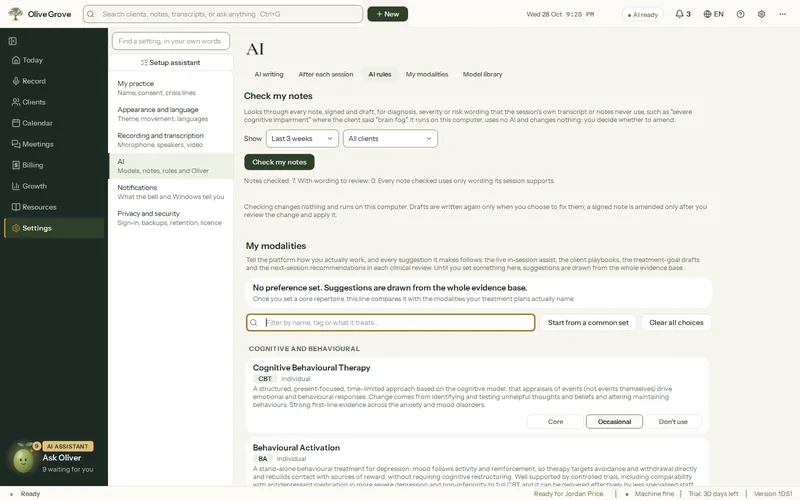
Where: Settings > AI > AI rules > Check my notes
Step 1: Open Settings > AI > AI rules and press Check my notes. It reads only: nothing is changed, no AI is used and nothing is sent.
Step 2: Narrow it to a period (the last 3 weeks by default) and a client, and tick the notes to act on.
Step 3: For drafts, press Fix selected drafts or Fix all drafts in view. They are written again in the background and stay drafts; the earlier text is kept in Versions.
Step 4: For signed notes, press Review signed notes: each flagged line is shown as signed, with a correction that changes only the flagged words and the line of the session behind it. Accept, edit or keep each one.
Step 5: Press Apply and re-sign. Each note keeps its signed version, gets an amendment line and is signed again. Undo last batch works while the app stays open.
Was this article helpful?
Related articles
Still need help?
Write to us. We read every message and reply within one business day.