
Where your data is, and what is sent
Checked against the app on 24 October 2026
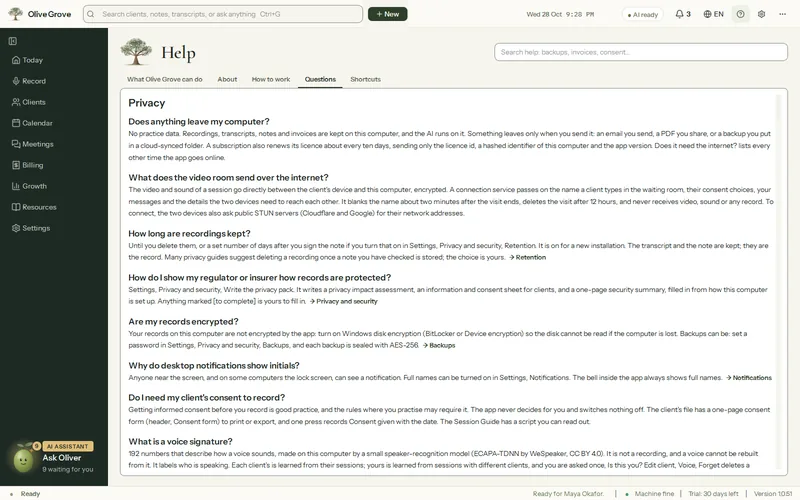
Olive Grove does its work on your computer: recording, transcription and note drafting run there, with its AI. Backups and other content you choose to keep online, such as form answers, are locked on your computer before they are sent, with a key only you hold, so we cannot read them. Online features such as booking, reminders and payments use only the information they need to work, as listed on Your data. What goes online, and when, is listed below.
What goes online, and when
| What | What is sent | How to stop it |
|---|---|---|
| Update check | Only the app’s version number. | Settings > Notifications > Check for updates off. |
| Activation and licence renewal | The licence id, a scrambled identifier of the computer, its name and the app version. | Use a licence file. |
| Cloud backup (optional) | A backup sealed on your computer with a recovery code that is kept on your computer. | Off unless you turn it on. |
| Online booking and reminders (optional) | Your free times (start and end only); for reminders, each appointment’s time, the client’s email and your text, for the next three days. | Off unless you turn them on. |
| Video room (optional) | What is needed to connect a visit. The call itself goes directly between the two devices, encrypted. | Do not set up a room. |
| Calendar sync (optional) | A request to the calendar address you pasted, with no other data. | Remove the address. |
| Problem report (optional) | What you wrote and technical details, with client names, emails and numbers taken out, shown to you first. | Do not send one. |
| Downloads | The speech and AI models, the graphics card packs, the video component and practice voices are downloaded once. Nothing is uploaded. |
Reminder and invoice emails you send yourself open in your own email program; the app does not send them. The full list, host by host, is on the privacy page, and how the service protects what it holds is on the security page.
Was this article helpful?
Related articles
Still need help?
Write to us. We read every message and reply within one business day.