
Privacy view: hide the screen
Checked against the app on 24 October 2026
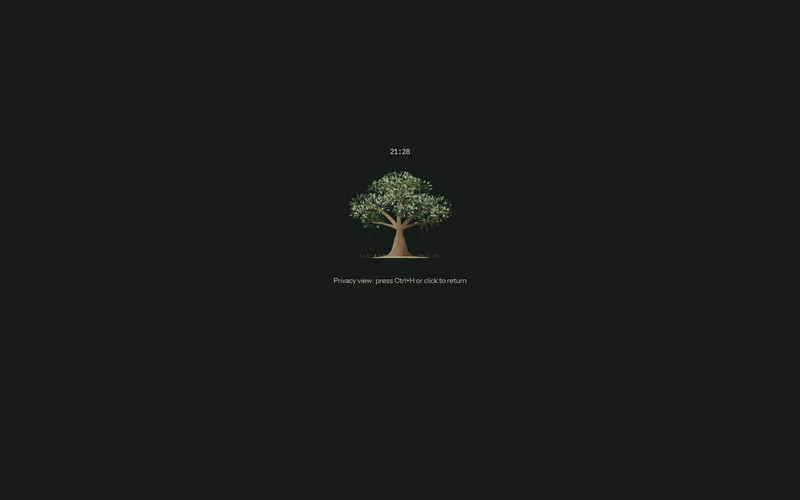
If a client can see your screen, press Ctrl+H (or Privacy view during a session). The window shows only the time, a still tree and how to return. Recording carries on.
Where: Record > Privacy view; Ctrl+H anywhere; Session menu > Privacy view
Step 1: During a session, press Privacy view in the session bar, or Ctrl+H from anywhere in the app.
Step 2: The whole window shows only the time, a still tree and “Privacy view: press Ctrl+H or click to return”. Floating windows such as In-Session Assist and Consult are hidden too.
Step 3: Click anywhere or press Ctrl+H again: everything comes back as it was.
Was this article helpful?
Related articles
Still need help?
Write to us. We read every message and reply within one business day.